Narrative Events
Narrative Events allow you to execute custom logic when a dialogue or quest node is reached.
They are most commonly used to trigger gameplay actions such as:
- Giving items or XP
- Starting or advancing quests
- Changing NPC behavior
- Triggering world state changes
Events can be attached to dialogue nodes, quest states, or quest branches and can be executed at the start, end, or both.
On Activate
Called when the event becomes active.
This is typically triggered at the Start runtime.
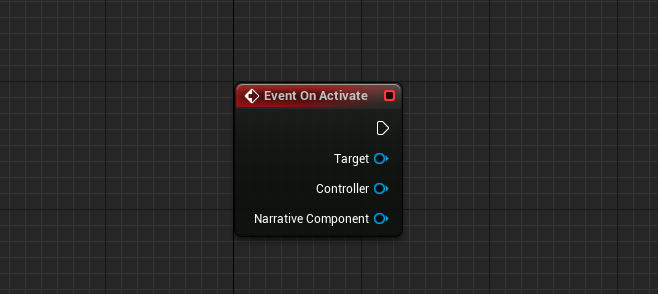
Inputs
| Name | Type | Description |
|---|---|---|
| Target | APawn | The pawn the event is executing on. |
| Controller | APlayerController | The owning player controller. |
| NarrativeComponent | UNarrativeComponent | The Narrative component executing the event. |
On Deactivate
Called when the event becomes inactive.
This is typically triggered at the End runtime.
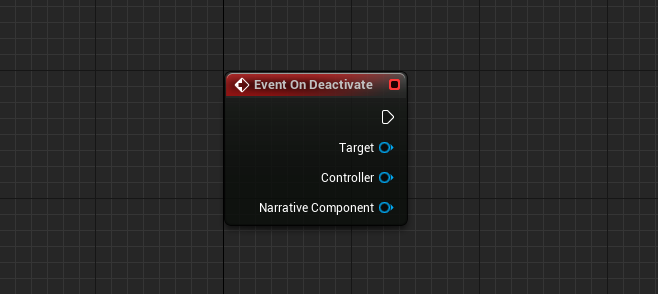
Inputs
| Name | Type | Description |
|---|---|---|
| Target | APawn | The pawn the event is executing on. |
| Controller | APlayerController | The owning player controller. |
| NarrativeComponent | UNarrativeComponent | The Narrative component executing the event. |
Execute Event
Executes the event logic.
This function is responsible for performing the actual gameplay behavior of the event.
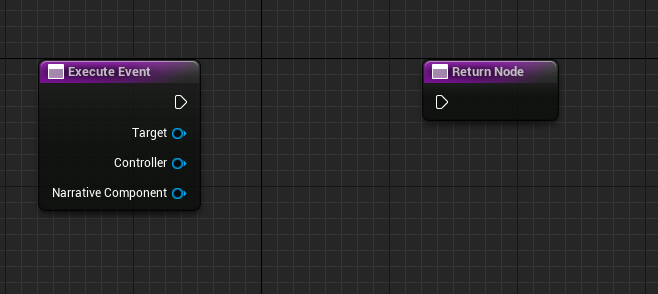
This function respects:
- Event Runtime
- Party Event Policy
- Assigned Conditions
Inputs
| Name | Type | Description |
|---|---|---|
| Target | APawn | The pawn the event is executing on. |
| Controller | APlayerController | The owning player controller. |
| NarrativeComponent | UNarrativeComponent | The Narrative component executing the event. |
Get Graph Display Text
Defines the text shown on the dialogue or quest node when this event is attached.
This helps designers quickly understand what the event does when viewing graphs.
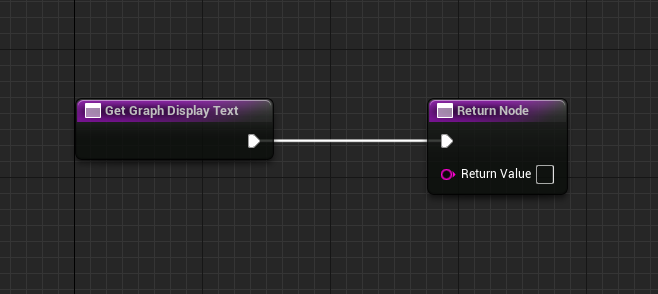
Output
| Name | Type | Description |
|---|---|---|
| Return Value | FString | Text displayed on the node in the graph editor. |
Get Hint Text
Defines the text shown after a dialogue option.
This is commonly used for UI hints such as:
- Begin Quest
- Complete Quest
- Give Item
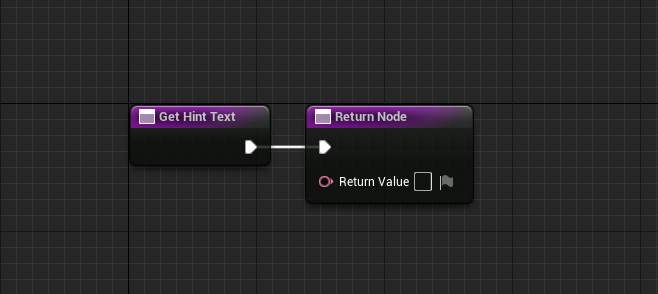
Output
| Name | Type | Description |
|---|---|---|
| Return Value | FText | Hint text displayed after the dialogue option. |