UI
Narrative Tales contains a fully-function UI set up that you can modify to fit your games needs.
It is built up of reusable components with a balance of ease to use and functionality.
Below is a list of each section of the UI with links to the components that build them up.
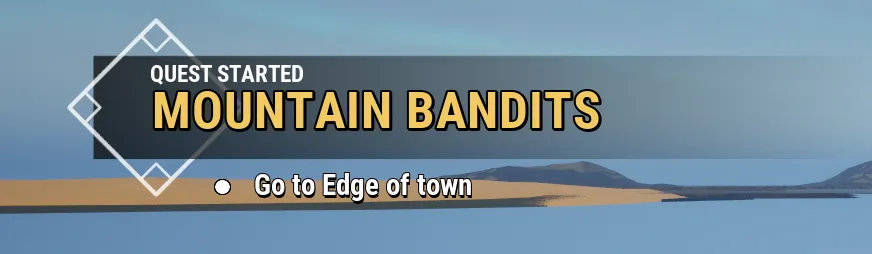
Quests
The quest info is displayed via the BP_Narrative3Overlay.
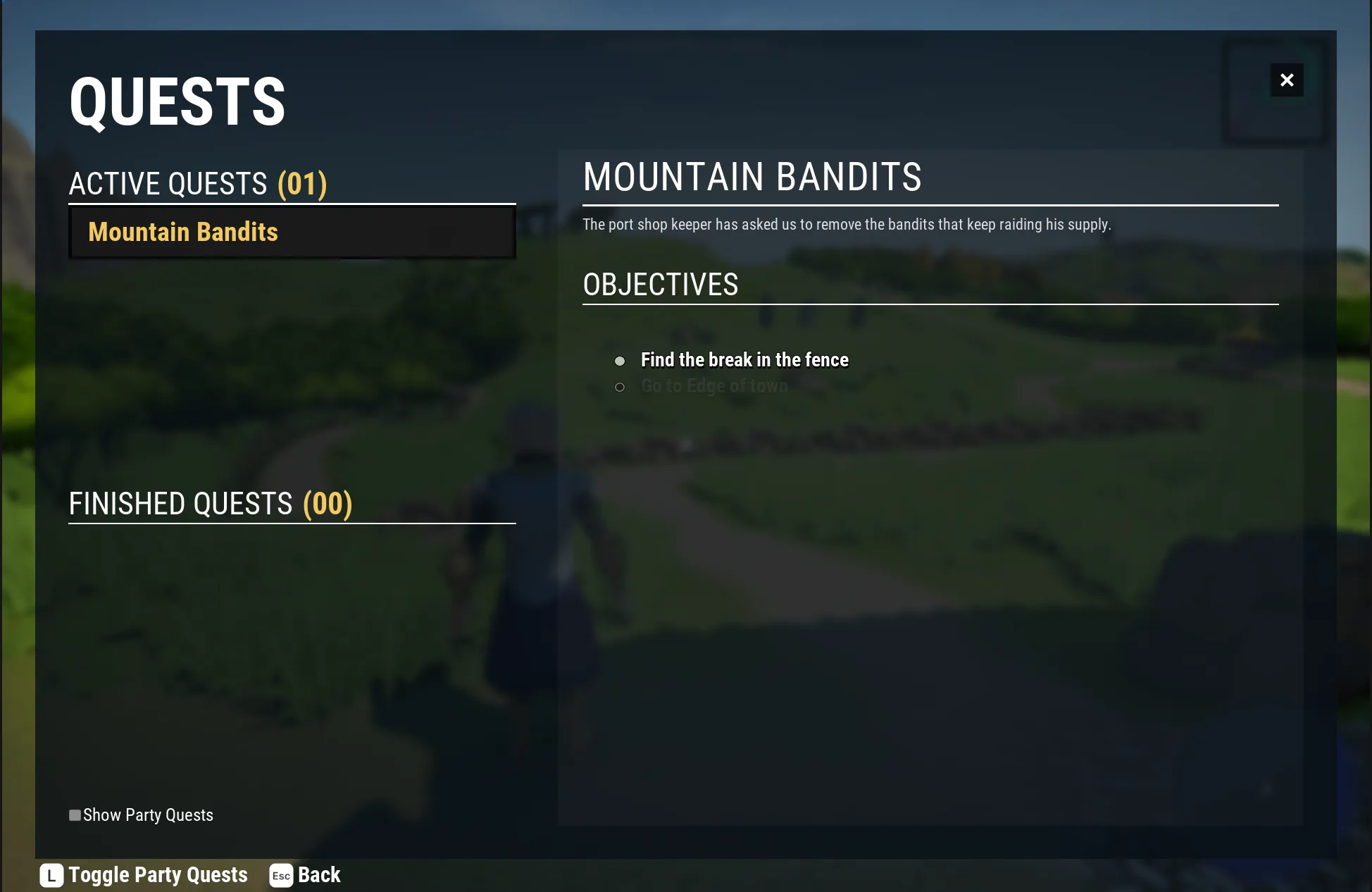
Quest Journal
The quest journal has its own widget via the W_NarrativeMenu_QuestJournal
NPC Dialogue
The NPC dialogue is displayed via the BP_Narrative3Overlay.

Player Dialogue
The player dialogue has to take control of the players input so it uses a different widget to display the options. W_NarrativeMenu_Dialogue

Editor
The below section contains the widgets that create the editor widgets instead of gameplay ones.
You do not need to modify these for gameplay.
Dialogue node
This widget handles all nodes within dialogue. WBP_DefaultDialogueNode

Quest node
This widget handles both QuestBranches and QuestStates. WBP_DefaultQuestNode
