Shots
Dialogue shots are a key part of archiving the cinematic look you want for your game.
Narrative comes packaged with many built-in shots for you to use.
Narrative's shot system uses Unreal's Cinematics System to give you maximum flexibility when creating the dialogue you want.
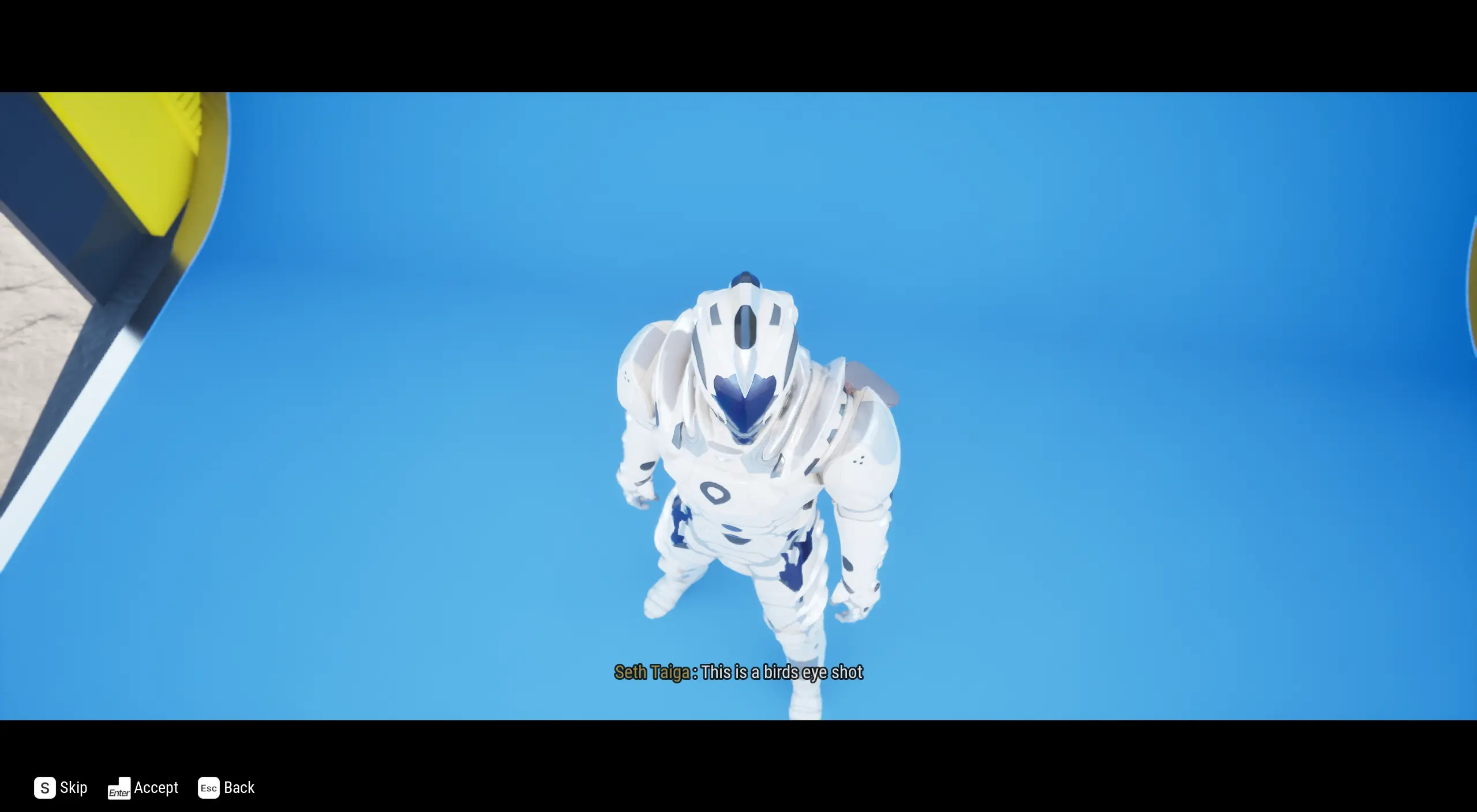
Birds Eye
This shot is used when you want to view two characters from a distance. Imagine a bird flying around looking down.
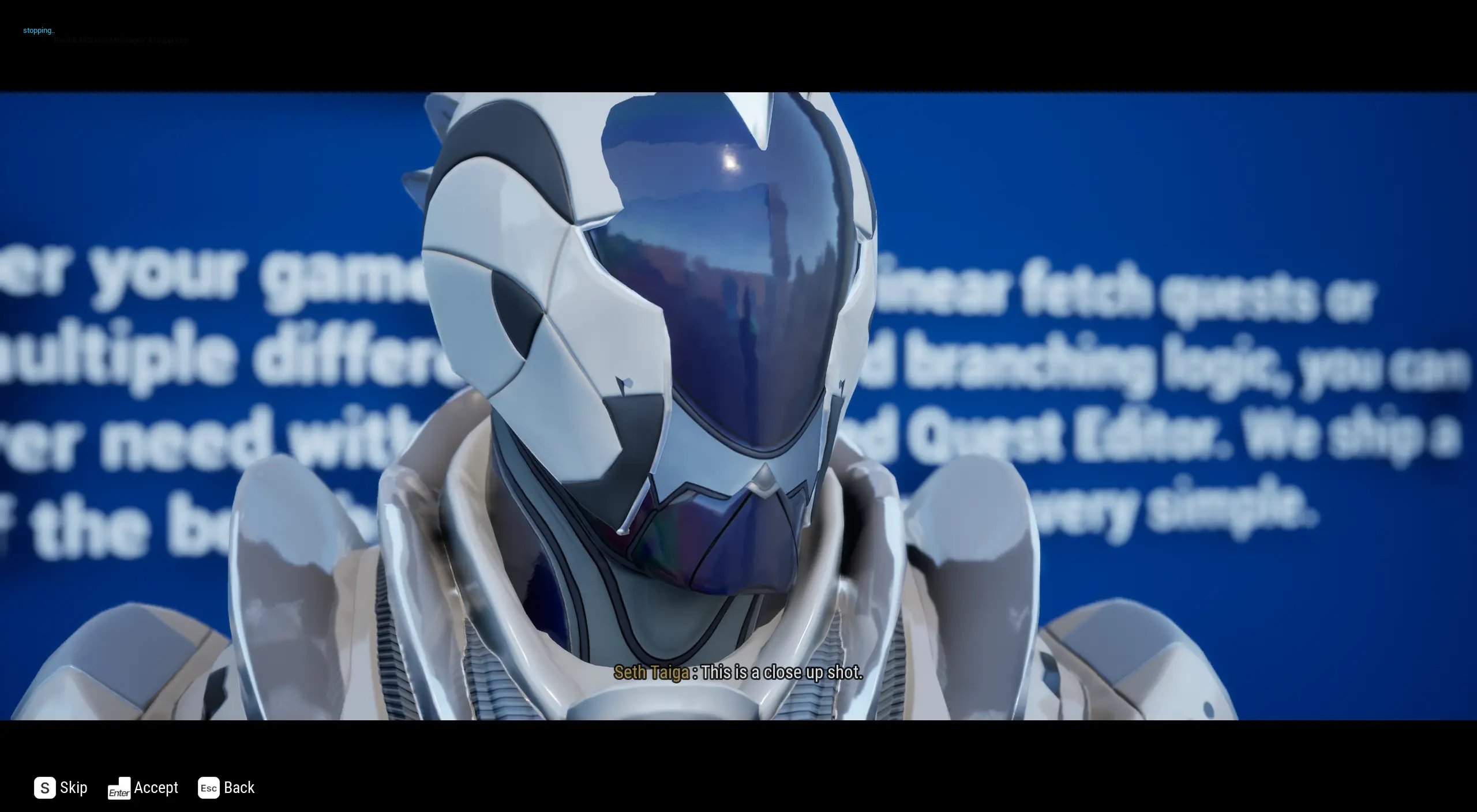
Close Up
This shot is for when you want to look at a specific area on a character.
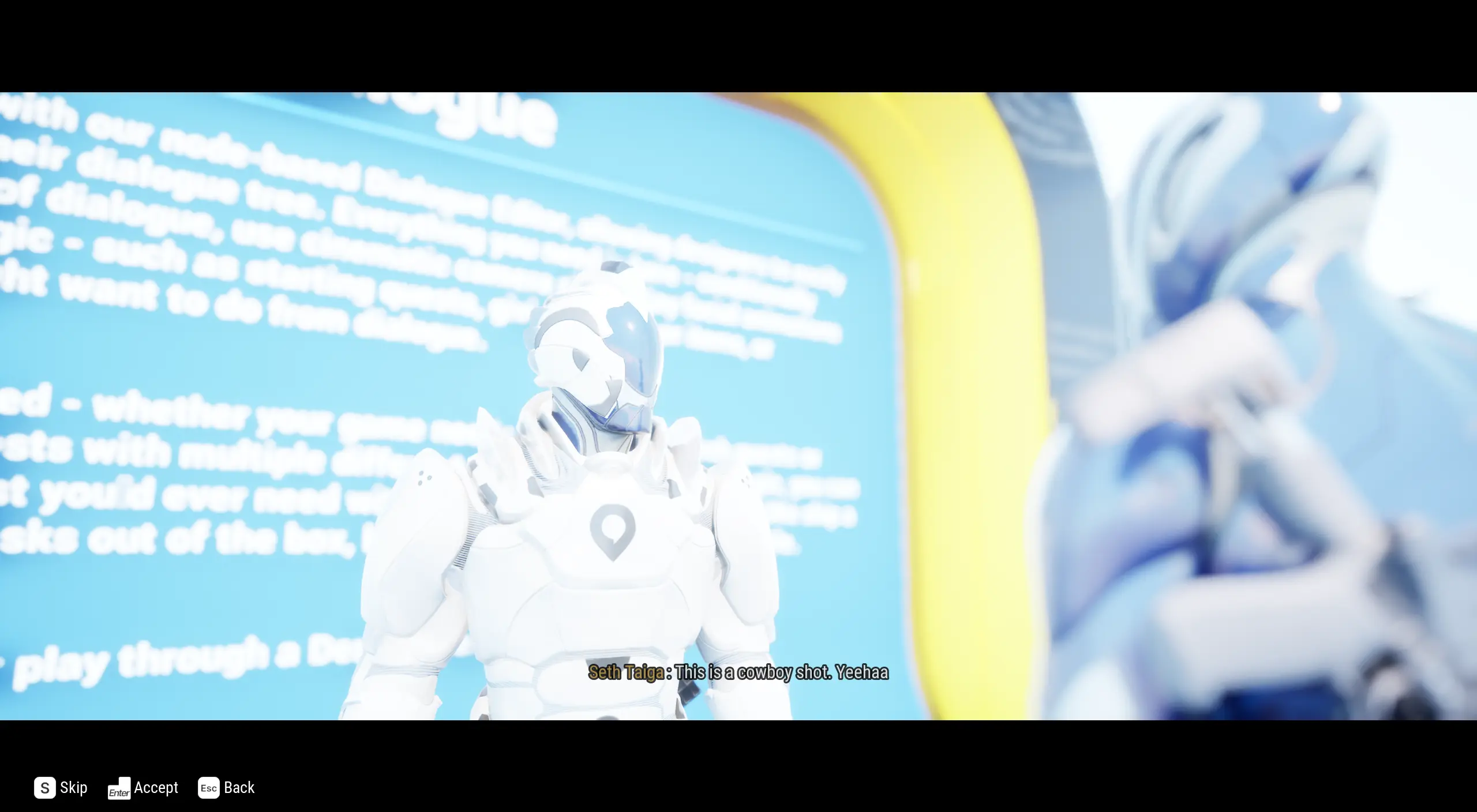
Cowboy
This shot is used when you want to view both speakers at a hip level.
Custom
For custom dialogue shots, you can see the documentation here.
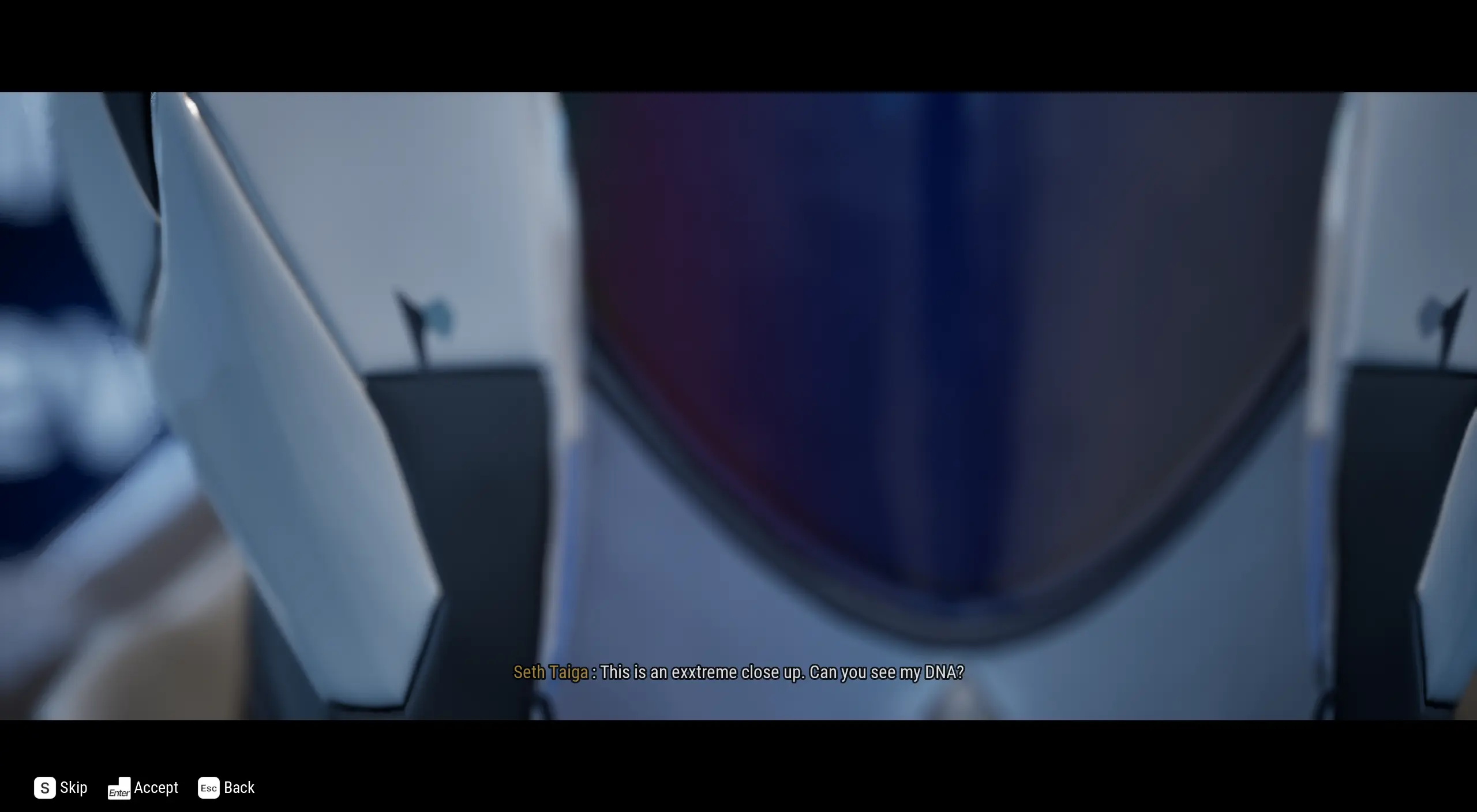
Extreme Close Up
This shot is used when you want to really get into a character's face to show emotion.
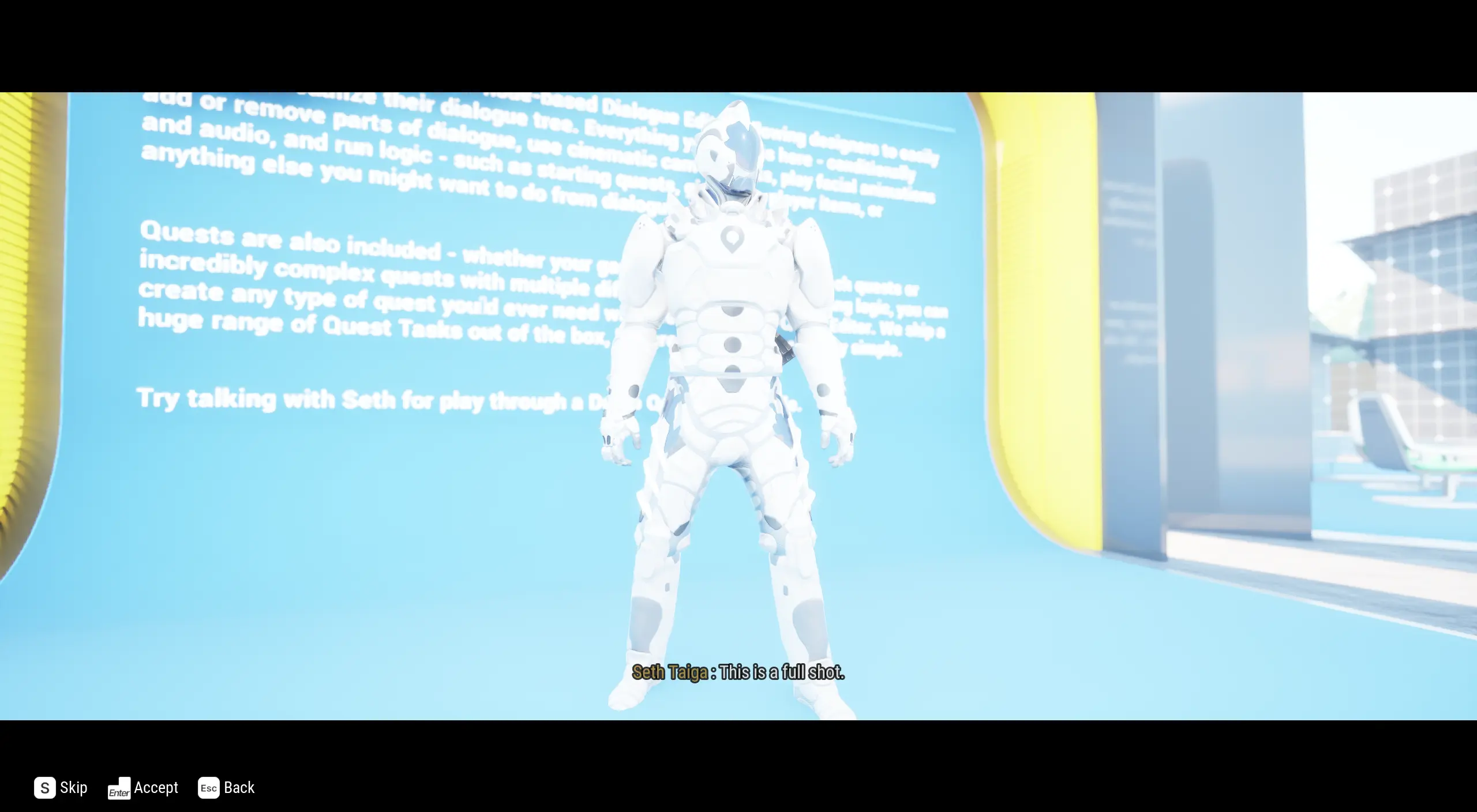
Full
This shot is used when you want to see the full bodies of the speaker and listener.
Level Sequence
When you want to use a custom sequence without any Narrative control.
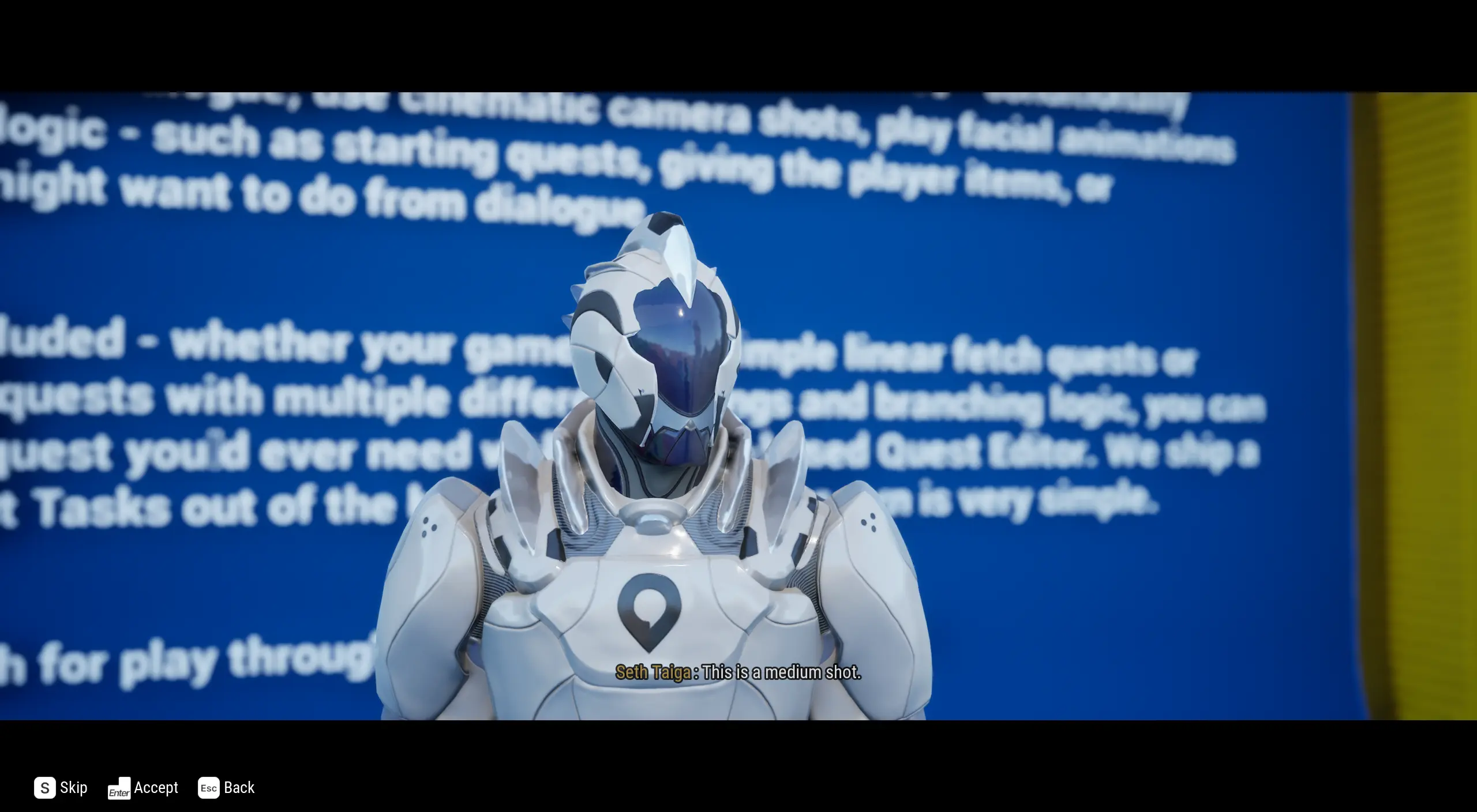
Medium
This shot is used when you want to view the body and head of the speaker.
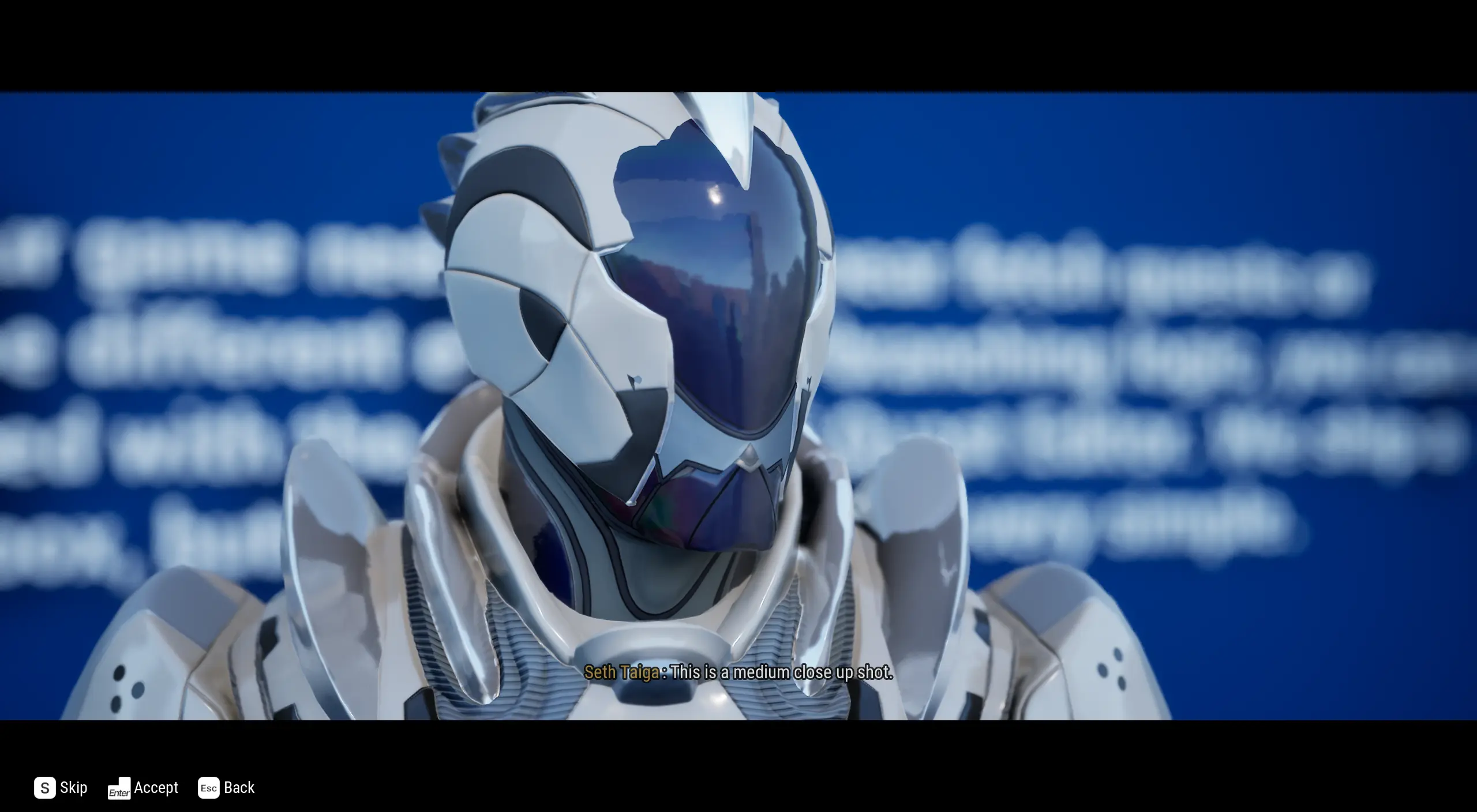
Medium Close Up
This shot is when you are in between the speaker and listener and looking closely at the speaker's head.
Medium Close Up (Dolly Zoom)
This shot is animated. It's the same as the Medium Close Up, but slowly pans in for a few seconds. This is a great example to copy if you want to make your own animated shot.
Medium Full
When you want to view the body, top of the legs and head of the speaker.

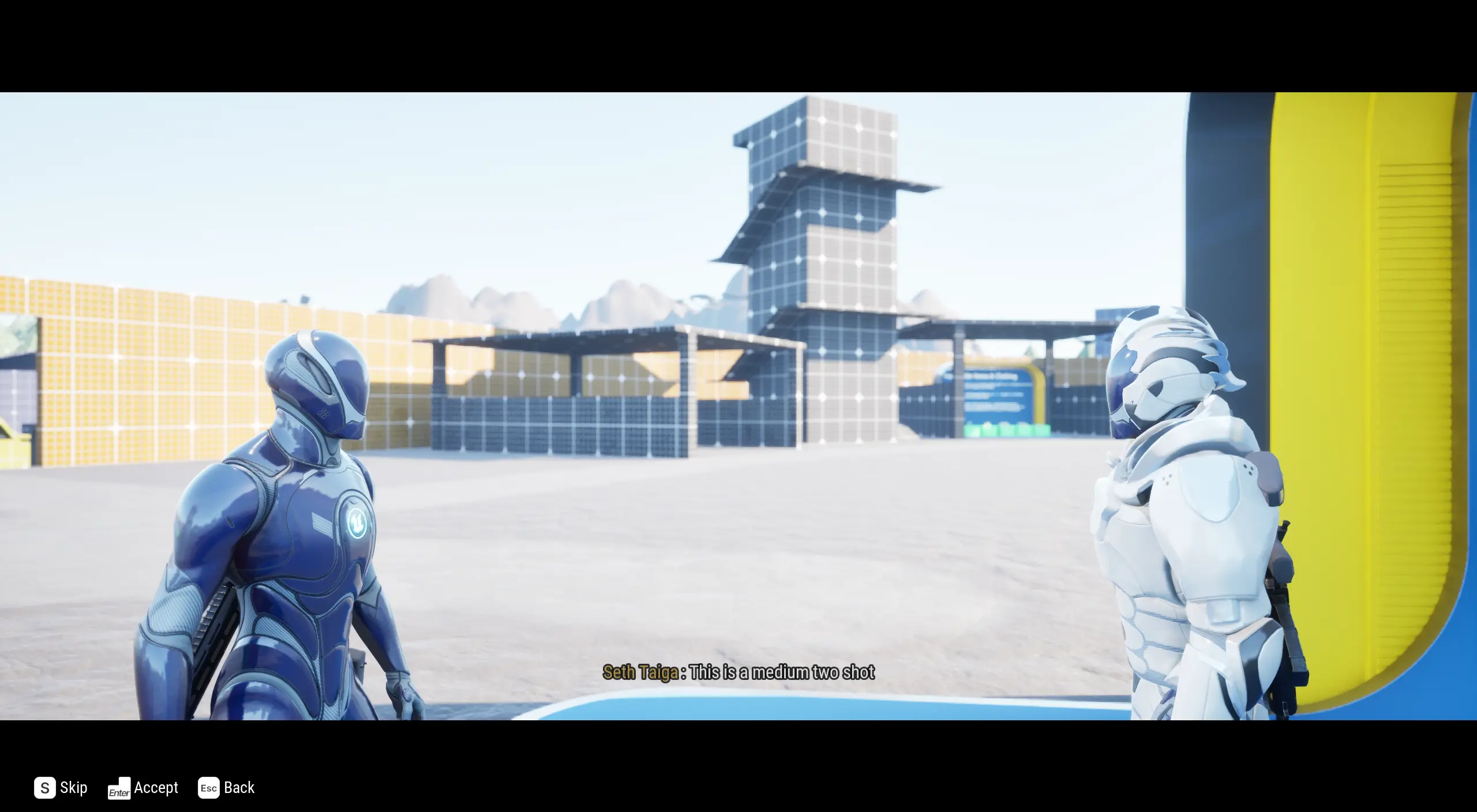
Medium Two Shot
When you want to see both listener and speaker up close.
Narrative Dialogue Sequence
When you want to use a custom sequence but let Narrative control its features.
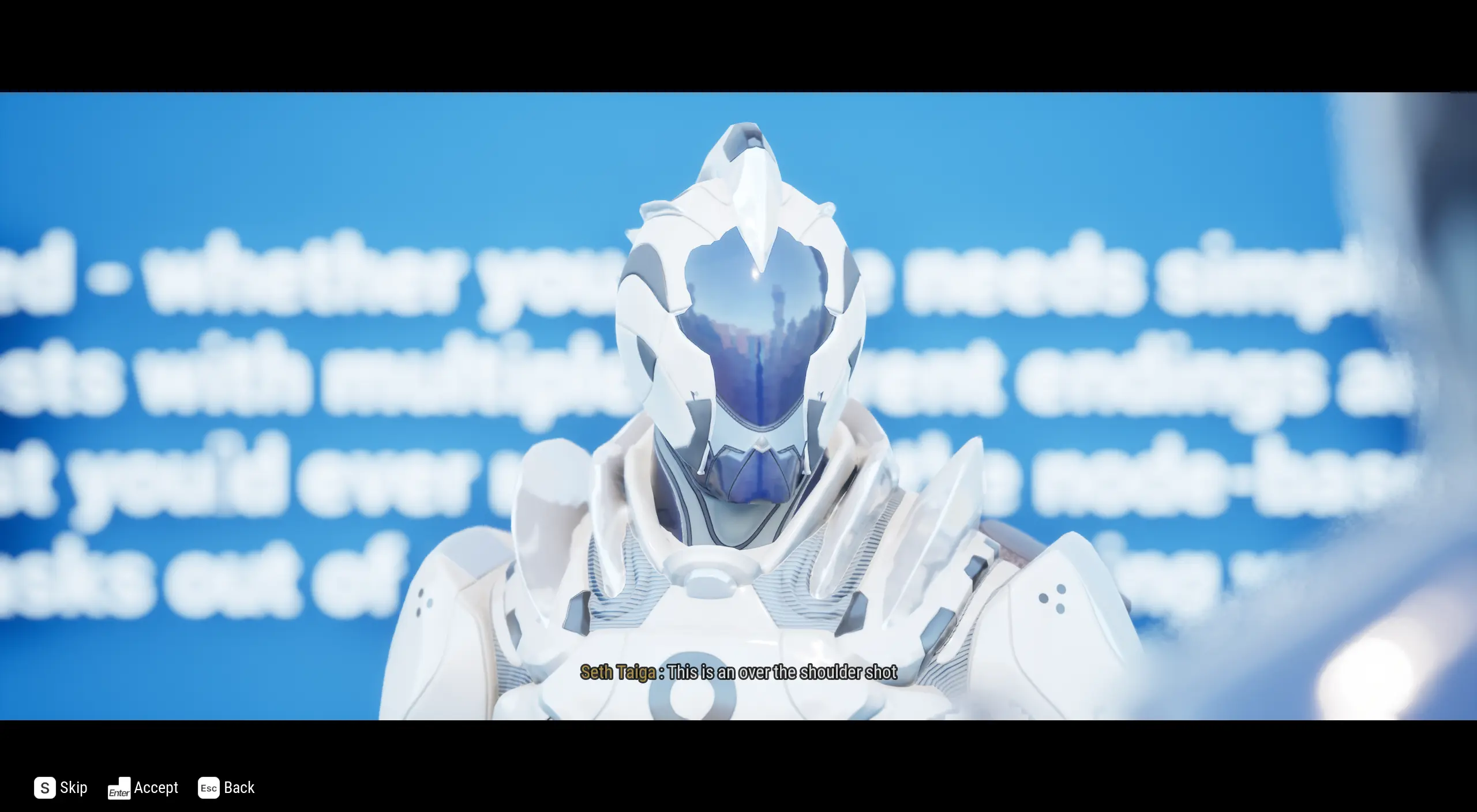
Over the shoulder
When you want the camera to be resting on the shoulder of the listener.
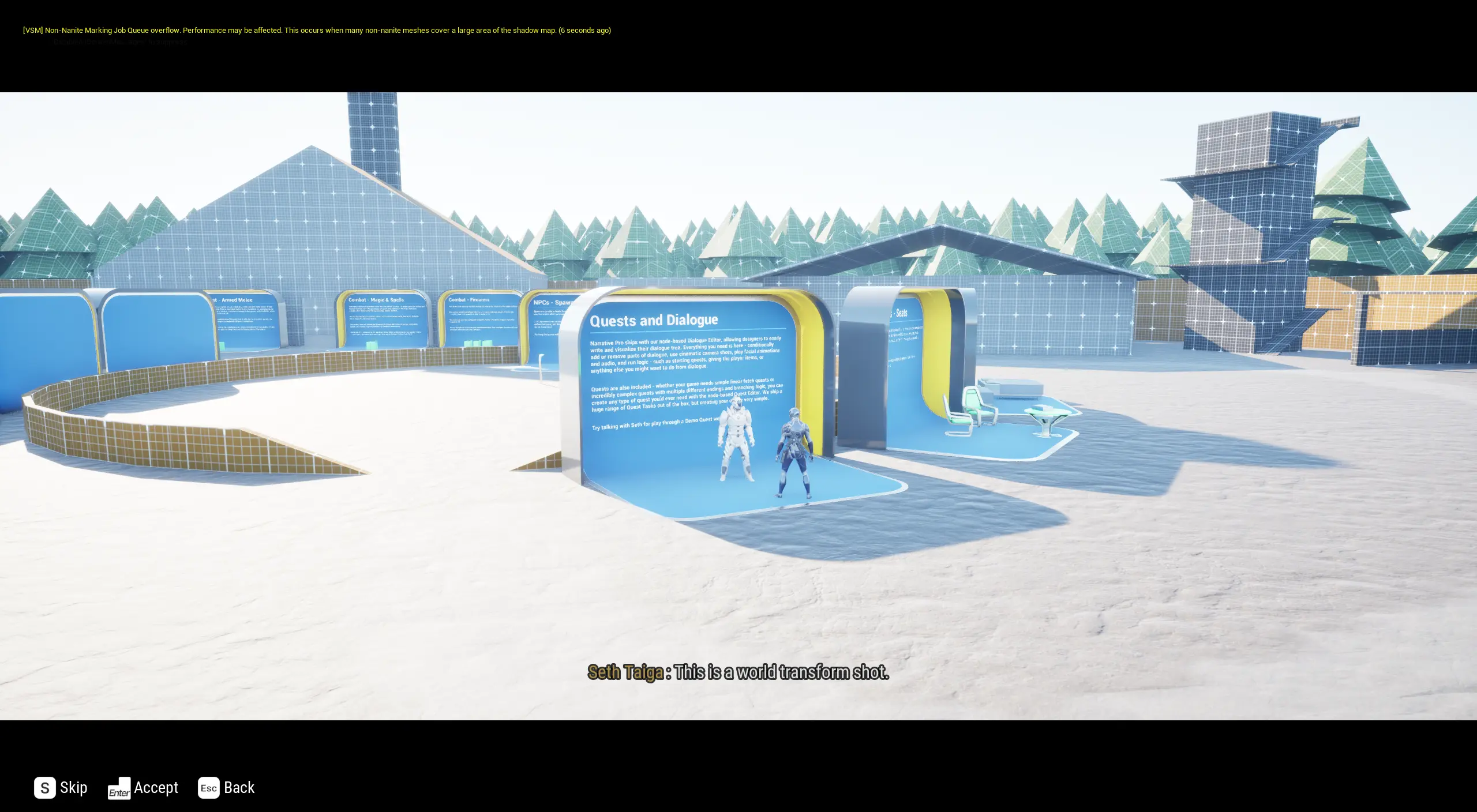
World transform
When you want to specify the coordinates of the camera to move it to any position you want. In this example, it has been set to a top-down-style camera.